
Instructions to format and generate a brain image#
%pip install -U neuroboros

import neuroboros as nb
# Load dataset of choice
Forrest_dataset = nb.Forrest()
s01 = Forrest_dataset.subjects[0]
timepoint = 5
Forrest_lh_ico32 = Forrest_dataset.get_data(s01, 'forrest', timepoint, 'l')[0]
Forrest_rh_ico32 = Forrest_dataset.get_data(s01, 'forrest', timepoint, 'r')[0]

xfm_lh = nb.mapping('l', 'onavg-ico32', 'onavg-ico8', mask=True)
xfm_rh = nb.mapping('r', 'onavg-ico32', 'onavg-ico8', mask=True)
Plot data at resolution of choice. Here we use ico8 for example.
For proper formatting, set colorbar = None, scale = None, title = None.
Forrest_lh_ico8 = Forrest_lh_ico32 @ xfm_lh
Forrest_rh_ico8 = Forrest_rh_ico32 @ xfm_rh

nb.plot([Forrest_lh_ico8, Forrest_rh_ico8],
        cmap='bwr',
        vmax=4,
        vmin=-4,
        colorbar=None,
        scale=None,
        title=None)
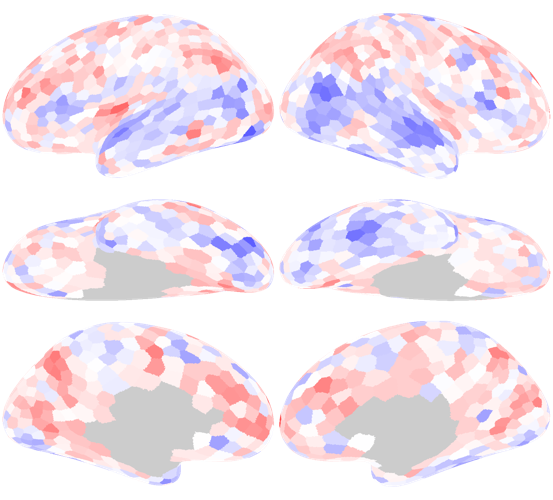
Saving the image might depend on your IDE (for example, I’m using vscode). One way is to press the save button. Another way is to drag the image to your desktop.
To upload the image, press the button on the bottom left of the Brain Vertex Tracker page.